
Canada’s New Privacy Law Is Coming: What Bill C-36 Means for Your Business
Canada’s new privacy law, Bill C-36, is coming. Learn what it means, what’s changing, and how your business can prepare.
June 30, 2026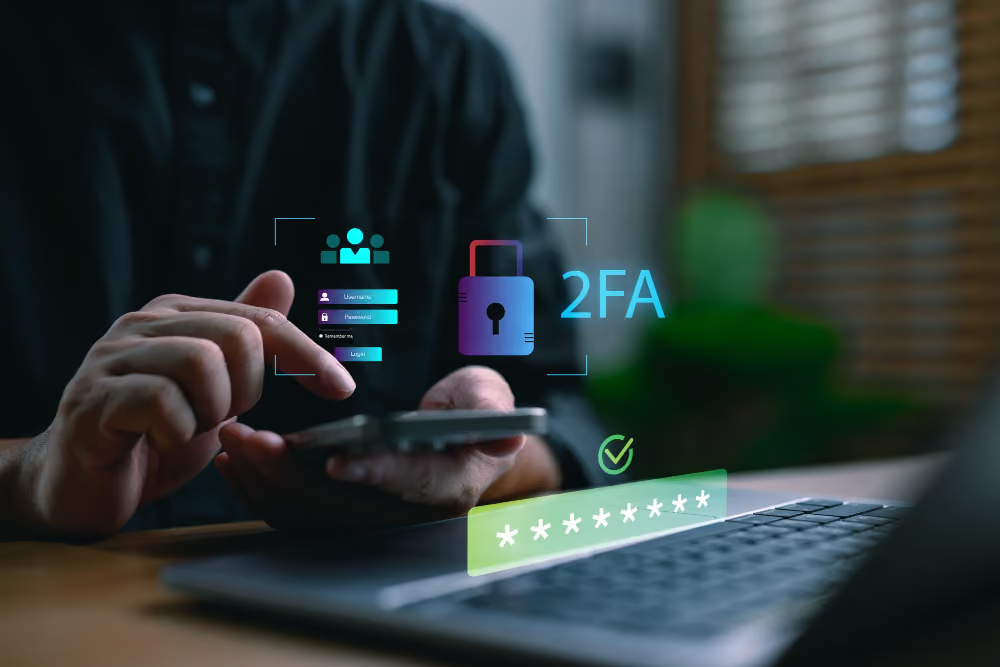
If you use Microsoft 365 and receive a text message with a login code when signing in, there's an important change coming.
Microsoft has announced that it will stop supporting its built-in SMS (text message) and voice call authentication methods beginning February 1, 2027. Instead, the company is encouraging businesses to switch to more secure sign-in methods called passkeys.
Before you panic, this isn't something that needs immediate action tomorrow. However, it's something businesses should start planning for now.
Cybersecurity threats are getting smarter.
Years ago, receiving a text message with a login code was considered a major security improvement over using only a password. Today, criminals have found ways to trick people into revealing those codes, intercept them, or even hijack phone numbers through scams known as SIM-swapping attacks.
Microsoft believes that text messages and phone calls simply aren't secure enough anymore, especially as AI-powered phishing scams become more convincing and harder to spot. That's why they're moving users toward phishing-resistant sign-in methods such as passkeys.
Despite the futuristic name, you've probably already used something similar.
A passkey lets you sign in using something like:
Instead of waiting for a text message and typing in a code, your trusted device confirms that it's really you.
For most users, it's actually faster and easier than receiving a text message every time they sign in.
Microsoft is introducing the change in stages.
Users who currently rely on text messages or voice calls for multifactor authentication (MFA) will automatically be eligible to use passkeys. The next time they complete MFA, Microsoft may encourage them to set one up.
Microsoft's built-in SMS and voice authentication services will officially be retired.
If a user's only security method is a text message or phone call, they'll be required to register a passkey before they can continue signing in. Microsoft has stated that there will be no opt-out for this requirement.
Maybe.
If your employees currently:
You may already be in good shape.
If employees still receive text messages with security codes when signing in, you'll likely need to make some changes before 2027.
This isn't just about security. It's also about convenience.
Most people can relate to waiting for a text message that never arrives, entering a code incorrectly, or having poor cell service while travelling.
Passkeys eliminate many of those frustrations while also making accounts much harder for criminals to compromise.
In other words, this is one of those rare technology changes that's both more secure and easier to use.
The best approach is to start planning early.
Businesses should:
The good news is that there's still plenty of time to prepare. Starting now simply means you'll be able to make the change on your schedule instead of Microsoft's.
If you're not sure how your Microsoft 365 accounts are currently set up, Reality Bytes can help.
We can review your Microsoft environment, identify users who may be affected, and help create a smooth transition plan before Microsoft's deadlines arrive.
A little planning today can prevent a lot of headaches later.
Microsoft has published detailed guidance on the upcoming changes to authentication in Microsoft 365:
Canada’s new privacy law, Bill C-36, is coming. Learn what it means, what’s changing, and how your business can prepare.
June 30, 2026
You know Wi-Fi. You use it every day. Your business runs on it. But should you upgrade to Wi-Fi 7? Read on and find out.
April 22, 2026
AI marks a tipping point for cybercrime. Learn how AI is changing cybersecurity for businesses, and the practical steps you can take to stay protected.
March 11, 2026